
CORNE V4 2.4G Wireless MX Mechanical Keyboard Hot-swappable Split Ergonomic 46 k
£159.00
In stock · ready to dispatch
Color
W Blank HifiB Silent switchB Blank HifiW Hifi switchWhite KitW Silent switchB Hifi SwitchBlack Kit
Axis Body
Coin Hollow-outchargeable version
Ships From
CN
Checkout is completed securely on the official AbaTech store.
Specifications
- SPECIFICATIONS
- Application: Desktop,Laptop,Number,Tablet
- Battery Included: no
- Brand Name: SZRKBD
- High-concerned chemical: None
- Interface Type: USB
- Keyboard Standard: Mini Keyboard
- Language: Europe,BRAZILIAN,Russian,Korean,Japanese,UK,French,Hebrew,English
- Operation Style: Mechanical
- Origin: Mainland China
- Style: Standard
- Type: 2.4Ghz Wireless
- Keyboard Version Details
- Please clearly understand the differences between coin batteries and rechargeable versions before purchasing,(Hollow-out and Filled version only bottom case difference)A-COIN battery hollow-out/Filled version: battery not included should prepare extra, because the Coin batteries are usually not accepted by express packagesB-Polymer chargeable version:Each of the left and right parts contains a 160mha rechargeable polymer battery(work more than 4 months after fully charged)
- 2.4G Wireless Corne V4 MX Mechanical Keyboard
- Notic all the options of Kit or full keyboard button cell should prepare extra for the express package safety regulations. Button cell(Coin battery) size CR2032, DIA-20mm, H-3.2mmThis keyboard support VIAL websit or sofeware key-mapping total 8 layers(Linux system need add extra EVDE file for VIAL)But don't support pure QMK refresh it, because there not source code can be provided.About TENTING: heavy metal material with firm structure, 2pc net weight close to 500g,360 degrees and height adjustment.Package include: left/right two parts keyboard(or kit) with one 2.4G USB receiver(should prepare 2pcs button cell battery extra)Please follow the steps below after receiving the package:A-Install the 2.4G USB receiver to the device,pls don't set the keyboard so far with the receiver.(suggest avoide work with other receivers together by HUB)B-Install the button battery to keyboard,and confirm the battery switch set in ON state.C-If happen to the keyboard don't be found, pls try to turn off and on the battary switch for testing.
You may also like

Zealot-S32PRO Powerful Bluetooth Speaker, Bass Wireless, LED Light, Outdoor Spea
£59.00

【CCC Certification】Vention 165W Power Bank 20000mAh PD Fast Charger for Lapt
£179.00
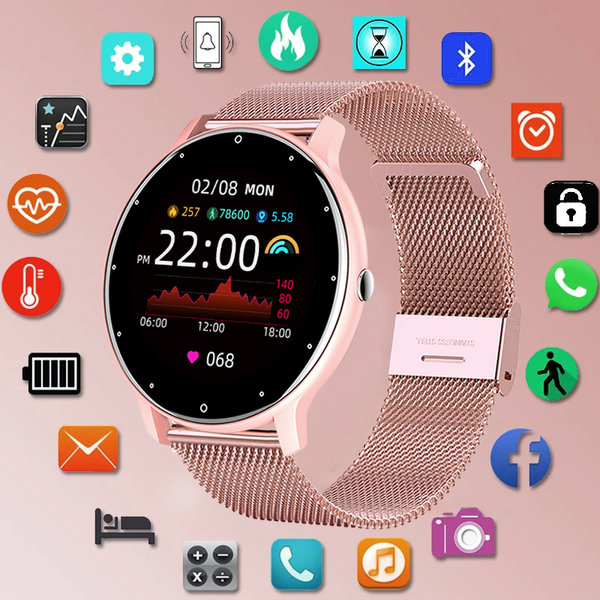
LIGE Waterproof Women Smart Band Watch Real-time Weather Forecast Men Watches Sp
£15.00

ROCKBROS Bicycle Tail Light Smart Brake Sensing Rear Bike Light Aluminum Waterpr
£69.00